Member cards
Give every customer a link to their card, with sessions left and a QR code. Nothing for them to install.
Step by step
-
1
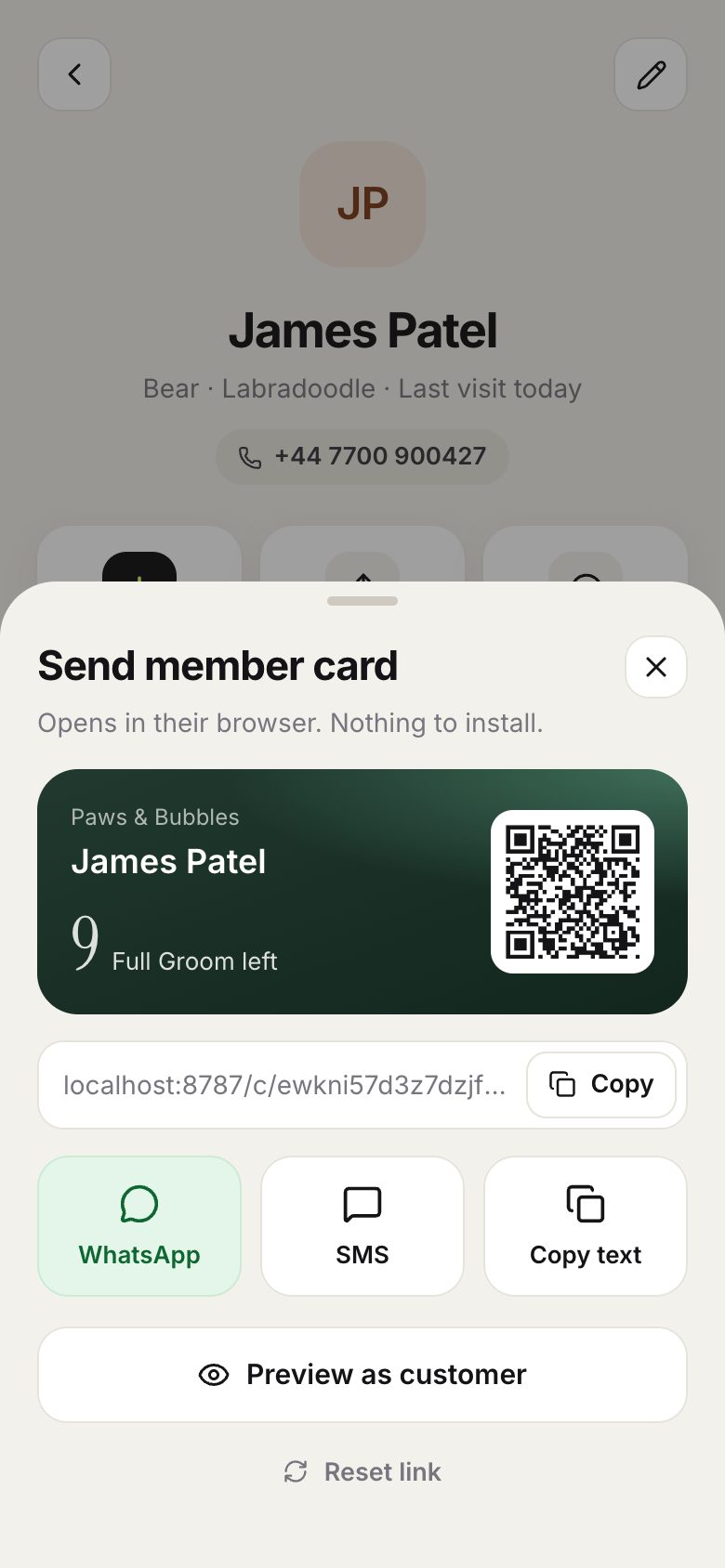
On a customer’s page, tap Send card.
-
2
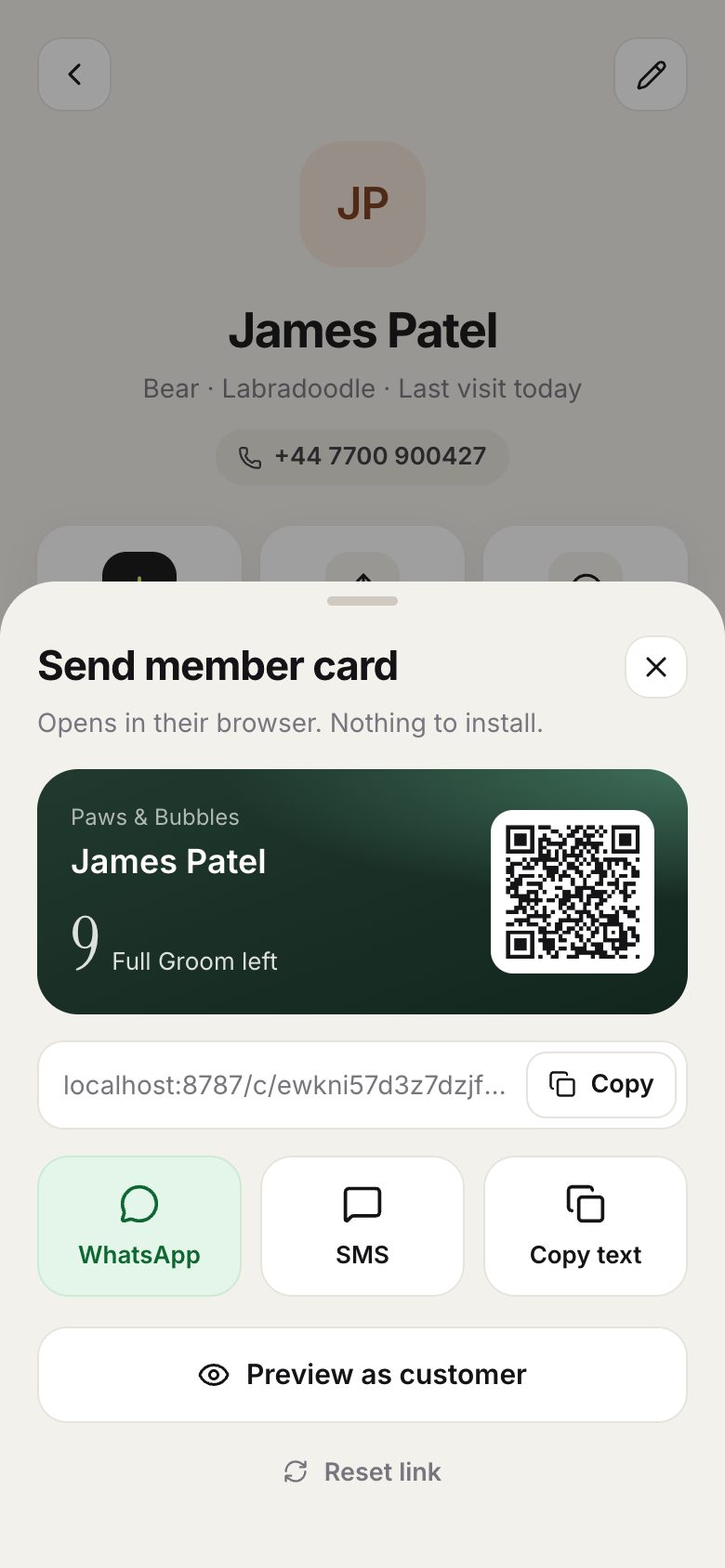
Send the link by WhatsApp, text or email, or let them scan the QR code at the counter.
-
3
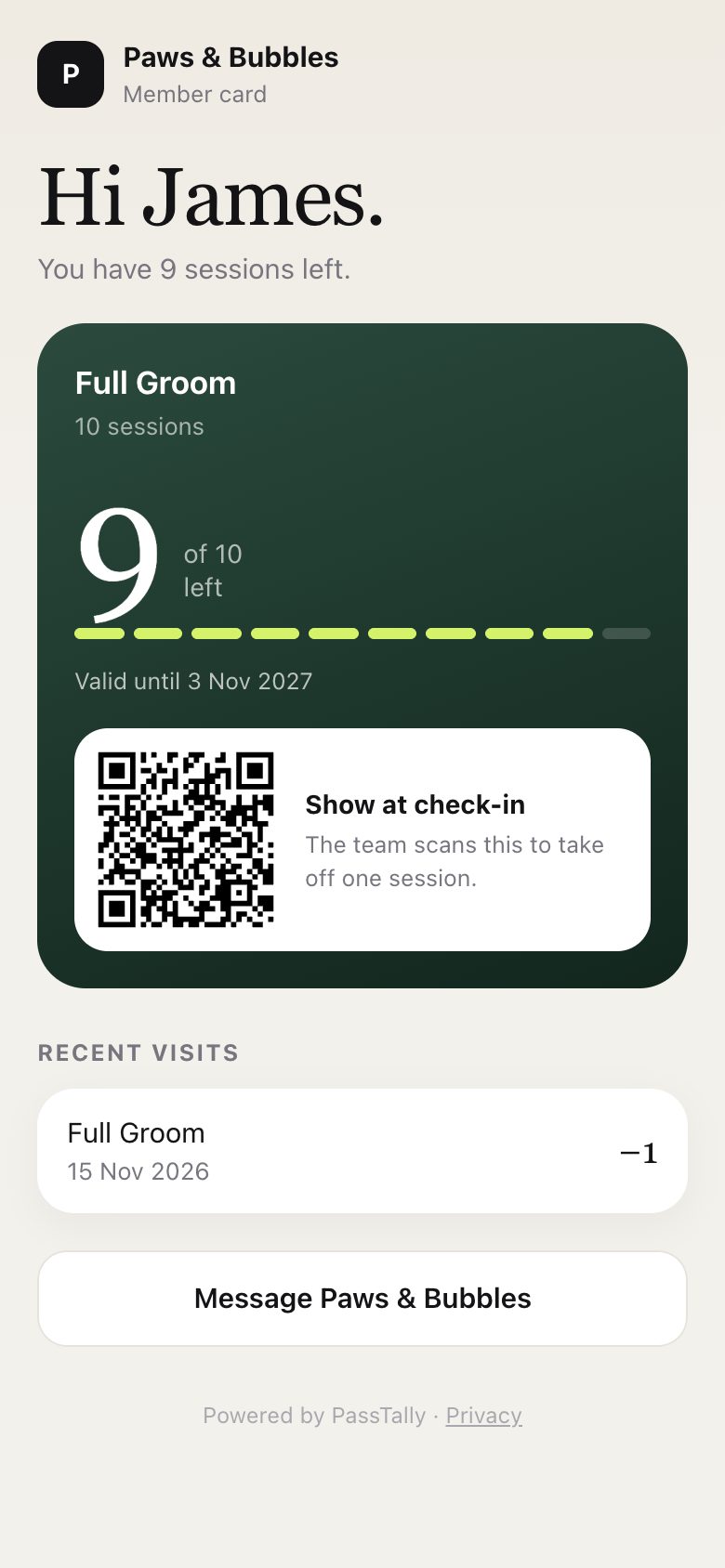
This is what your customer sees: sessions left, expiry date, recent visits and a QR code to show next time.
Good to know
- Member card links are included on every plan, Free too. Customers can save their card to their home screen.
- If a link was shared by mistake, tap Reset link: the old one stops working at once.
- In the phone app, tap the scan button in the middle of the tab bar to scan a customer’s QR code.